4 min read By Rentalbuddy
Increase your bookings – a guide to optimizing your website
Updated:
At a glance
Four ways to get more bookings for a self-service rental: use the words renters search for, with the place (“rent a trailer in Malmö”, “book a sauna in Skåne”), and put your booking link in your Google Business Profile; place the booking button where visitors see it at once; explain prices, terms and how booking, the code and the return work; and measure your visitors with Google Analytics. No website? Every Rentalbuddy location has its own booking page and QR code.
Running a successful unmanned rental business requires not only Rentalbuddy’s booking system, but also a well-designed and optimized website. It is often where a customer who wants to rent something first comes into contact with your business, and there are many paths to your website: search engines, map searches or social media. By following these tips, you can increase bookings and make it easier for potential customers to find and book your equipment. In this blog post, we present four important things to optimize your website and maximize your booking rate with Rentalbuddy’s booking system for staffed or unmanned rentals.
1. Make sure people find your website
To boost your booking numbers, it’s crucial that your website ranks high in search engine results. Enhance your chances by incorporating relevant keywords and search terms or phrases throughout your website’s text. Put yourself in the customer’s shoes; they don’t know you or your company name. They are looking to rent or book a product or service, typically associated with a specific location.
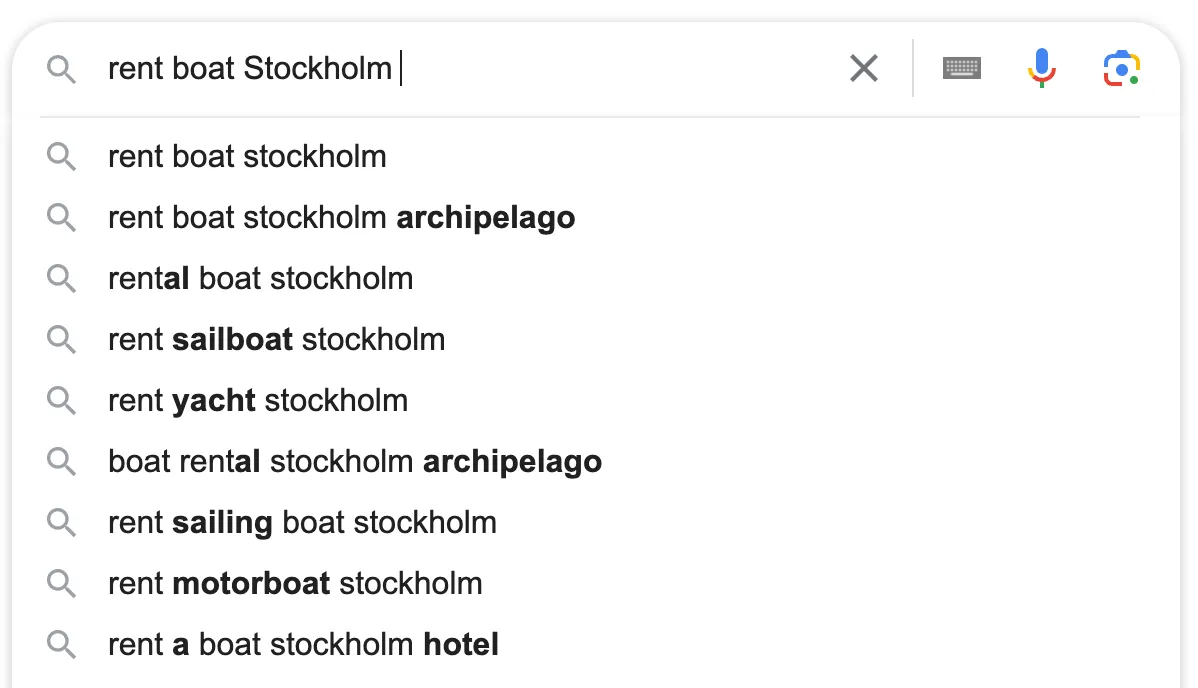
Examples of keywords that you should have on your website:
-
Canoes: “Canoe paddling in [name of town or place]” or “Paddling in Stockholm”
-
Kayaks: “Paddling in [name of town or place]” or “Kayaking in Stockholm”
-
Trailer: “Rent a trailer in Malmö”
-
Sauna: “Book a sauna in Skåne”
-
Boats: “Rent a boat in Blekinge” or “Rent a boat in Karlskrona”
-
Skis: “Rent skis in Kläppen”
-
Pedal boat: “Rent a pedal boat in Malmö”
-
Cabin: “Rent a cabin in [place or town]” or “Rent a cabin by the lake in X”
-
Golf cart: “Rent a golf cart [golf course name]”
The place or town can be a landscape, city, district, village, lake or watercourse. Think based on what your customer is looking for!
Also, regularly create new and engaging content, such as blog posts and guides related to what your business does or rents out.
Google also offers many services to make it easier for you as a business. By using a Google Business Profile, you can, for example, appear on Google Maps and display information about your company directly in the search results. To do this, follow the steps in the guides to verify your business on Google and add or claim your business profile on Google.
Add your Rentalbuddy booking link to your Google Business Profile, so people who find you on Google Maps can book straight away. No website yet? Every location has its own booking page and a QR code you can use instead.
If you want to learn more about the basics of how to get high in the search engines, this video is a good place to start:
2. Make it easy for the customer to make a reservation
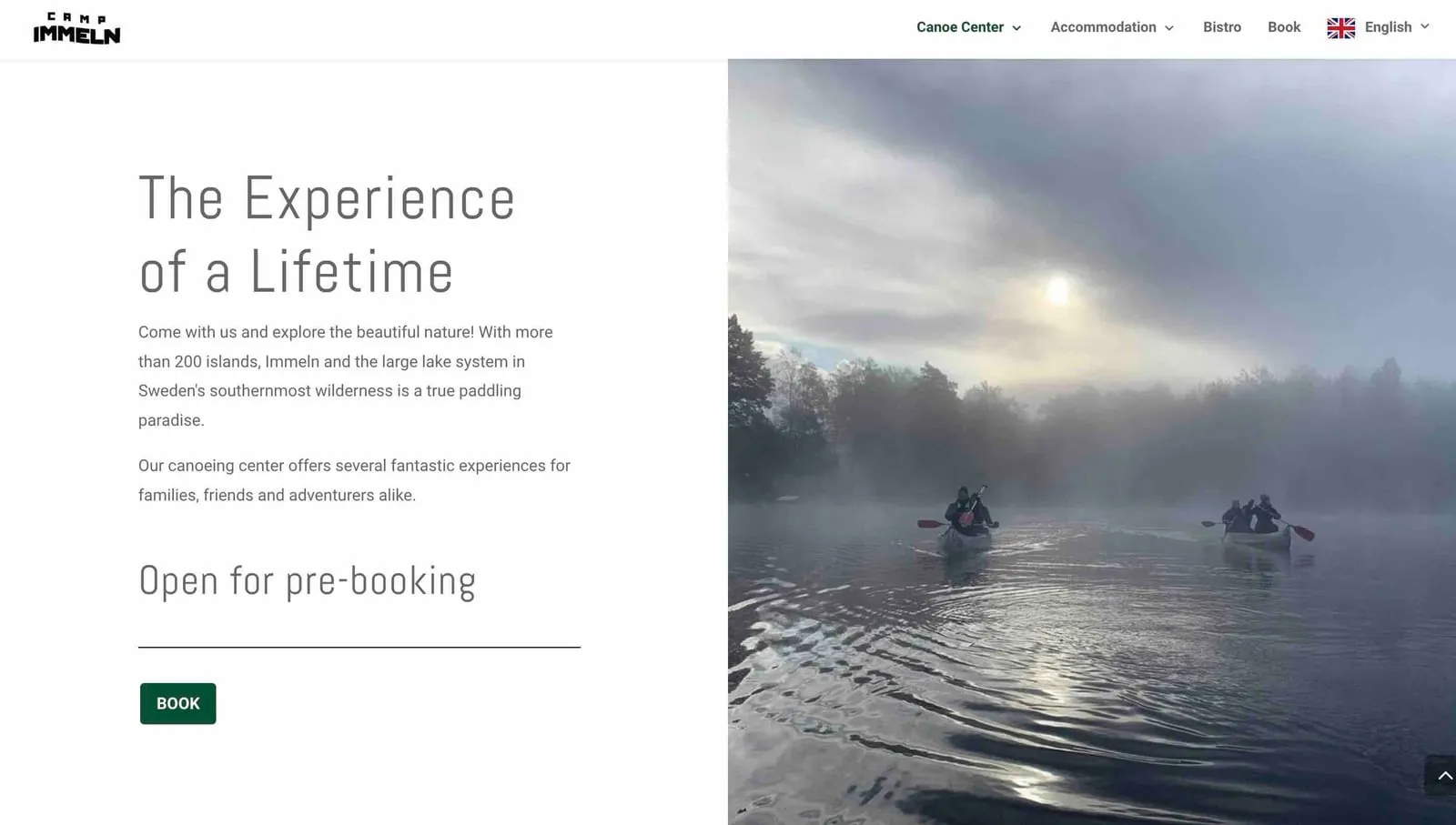
Once the customer arrives on your website, it is important that they find the book button quickly and easily. With Rentalbuddy’s platform, you can choose where the Call-to-Action (CTA) button, i.e. the book button, should be placed. Place it in a visible and logical place on the page so that customers can easily understand where to click: preferably in the middle of the page next to or below the first heading, or in the upper right corner so that it is always visible wherever the customer is on your website.
When visitors can easily see and find your book button, they are more likely to book.
3. Explain all relevant information
Once visitors have found your website, it is important that they receive all the necessary information to make a decision. Clearly explain what products or services are offered to rent and include details such as prices, availability, and any terms and conditions. Also use pictures and descriptions to display your equipment in an attractive way. The more transparent and informative you are, the greater the chance that the visitor will feel comfortable booking and renting from you.
As a Rentalbuddy customer, you will likely offer unmanned rentals or a combination of “regular” and unmanned. Therefore, be clear to the customer how unmanned rental with the help of Rentalbuddy works:
-
Book – the customer clicks the book button and selects the date and time to see the products that are available. After booking, they get a confirmation email whose button opens their unlock page.
-
Unlock – on site, the customer opens their unlock page and uses the code shown there to open the lock.
-
The customer uses your product – whether the customer is paddling, boating or using a trailer, Rentalbuddy makes it easy to access and use the product.
-
Return – the customer locks up with the same code and confirms the return on their unlock page. After the return, they can easily leave a review and rate your service on Google.
4. Track your visitors
To see how your visitors and customers use your website, there are several solutions.
Keeping track of statistics around this makes it easier for you to see what changes you need to make to the website.
Something important before you track your visitors and their use of the website, is to have a clear Cookie Policy. It informs your visitors that your site uses cookies and what they are used for. Clearly explain the consequences of allowing or not allowing cookies, so they can make a decision. If your website uses cookies, you must inform visitors about this. We recommend Cookiebot, which also has a free variant to use.
To see more clearly how your visitors use your website, you can use Google’s own tool, Google Analytics. Rentalbuddy is here to help you with both Cookiebot and Google Analytics if needed.
Summary
By simplifying the booking process, clearly presenting essential information, and enhancing your website’s search engine visibility, you can increase the bookings on your site. A more intuitive website encourages more visitors to navigate to the booking page and finalize their bookings – and Rentalbuddy’s user-friendly booking system makes turning a visitor into a customer easy.
Haven’t started your business yet? Read our blog post with 10 tips on self-service rental companies that are easy to start.